Host n8n on a VPS:
your workflows in France, with no execution quota
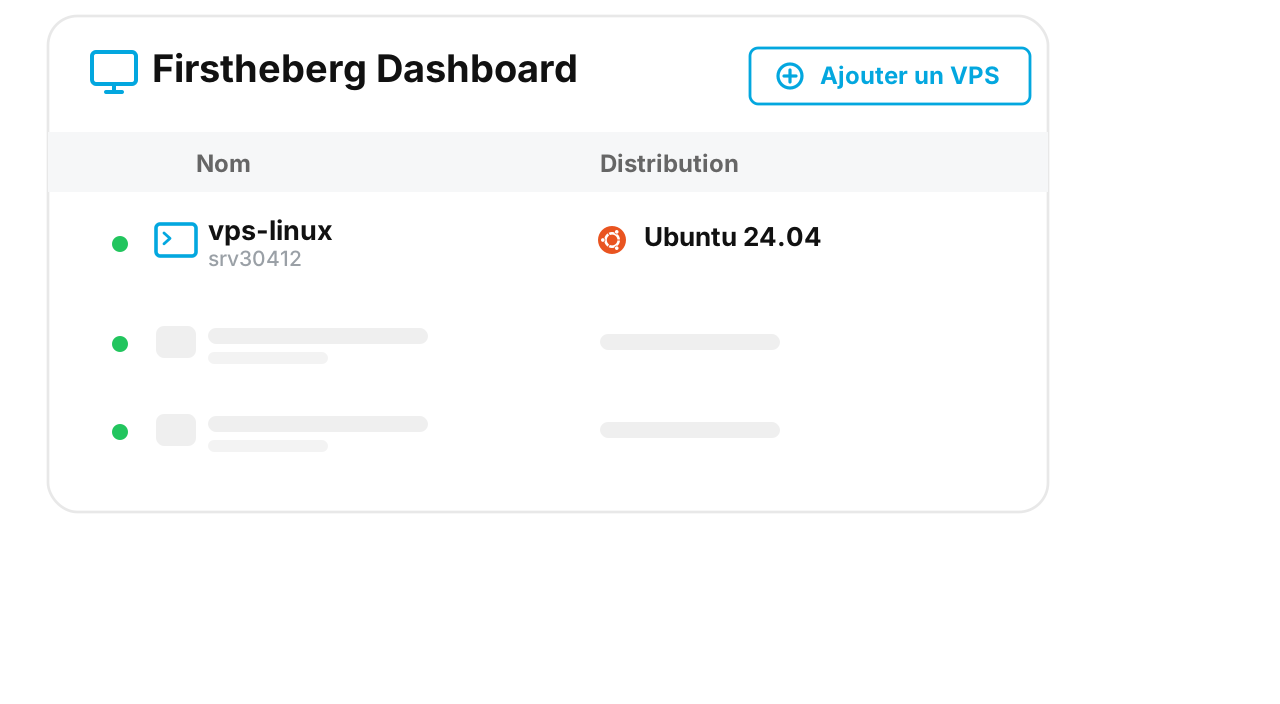
Install n8n with Docker in a few commands, on a server with root access that runs 24/7.
6,87 € 5,97 €
-13% excl VAT/month

Hosted in France
Available 24/7
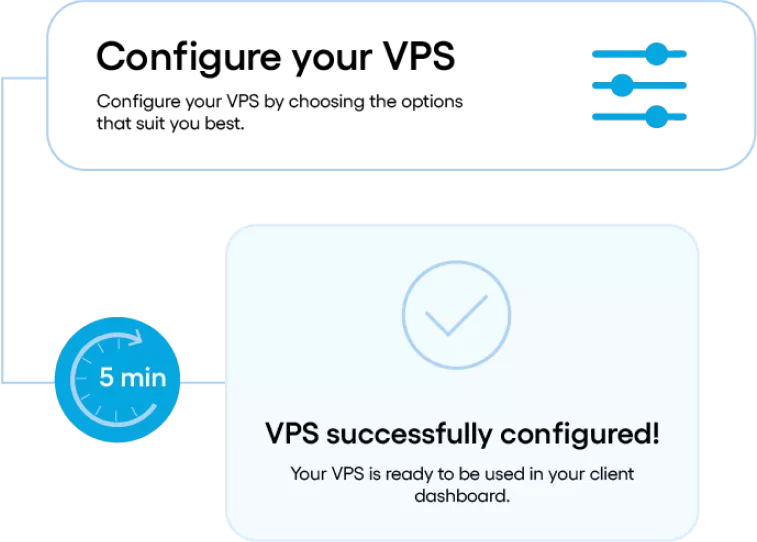
Full root access in 5 minutes
Virtual Private Cloud Control Panel

Which VPS should you choose to host n8n?

To host n8n, a Linux VPS with 2 vCores and 4 GB of RAM suits most uses: n8n needs 2 GB, and the rest serves Docker and a PostgreSQL database. Our n8n VPS has 2 vCores, 4 GB of RAM and 25 GB of NVMe storage, in our datacenters in France.

It costs 5,97 € per month excl. VAT, with no commitment. The price does not change at renewal, and it does not depend on the number of workflows or executions.

Configure my VPS for n8n 

Delivered in under 5 minutes · No commitment, no price increase at renewal

Minimum configuration for a stable n8n instance

Memory matters more than the processor: n8n mostly waits for the answers of the APIs it calls.

UsevCoreRAMNVMe storage
Tests and first workflows, SQLite database12 GB25 GB
Daily use, PostgreSQL database24 GB25 GB
Many workflows or large data volumes48 GB50 GB

Starting figures. You increase vCores, RAM and storage from the customer area when the load grows.

Install n8n with Docker on a VPS

Four steps, to run as root on a new Debian or Ubuntu VPS.

1
Connect to the VPS over SSH
Use the IP address and the root credentials you received at delivery.
ssh root@IP_DU_VPS
2
Install Docker
The official Docker script installs the engine and its dependencies.
curl -fsSL https://get.docker.com | sh
3
Start n8n
The n8n_data volume keeps your workflows and credentials. Port 5678 stays closed to the outside: only the server reaches it.
docker volume create n8n_data
docker run -d --name n8n --restart unless-stopped \
  -p 127.0.0.1:5678:5678 \
  -e TZ=Europe/Paris -e GENERIC_TIMEZONE=Europe/Paris \
  -e N8N_HOST=n8n.votre-domaine.fr -e N8N_PROTOCOL=https \
  -e WEBHOOK_URL=https://n8n.votre-domaine.fr/ \
  -v n8n_data:/home/node/.n8n \
  docker.n8n.io/n8nio/n8n
4
Open n8n over HTTPS
Point your domain name to the IP address of the VPS, then start Caddy: it gets the HTTPS certificate and renews it on its own. Then open the address in your browser to create the administrator account.
apt install -y caddy
caddy reverse-proxy --from n8n.votre-domaine.fr --to localhost:5678

Configure my VPS for n8n 

Delivered in under 5 minutes · No commitment, no price increase at renewal

Self-hosted n8n or Zapier and Make: what is the cost difference?

Online services bill by volume. On a VPS, you pay for the machine.

Criterionn8n on your VPSZapier, Make
Monthly cost5,97 € excl. VAT, fixedA plan that rises with the number of tasks or operations
Execution volumeLimited by the server resources, not by a quotaCapped by the plan
Data controlWorkflows and credentials on your server, in FranceStored by the vendor
MaintenanceUpdates and backups are your responsibilityHandled by the vendor

Self-hosting pays off as soon as your workflows run often. For a few tasks per month, an online service remains simpler.

What if your workflows drive AI agents?

n8n connects your applications. To run autonomous agents such as OpenClaw, Hermes Agent or a Python framework on the same server, take a configuration with more memory.
VPS for AI agent

FAQ: hosting n8n on a VPS

Allow 2 GB of RAM for n8n alone, with its default SQLite database. For daily use, take 2 vCores and 4 GB of RAM: this leaves room for Docker and a PostgreSQL database. CPU matters less than memory, because n8n mostly waits for the answers of the APIs it calls. Watch the real usage, then adjust vCores, RAM and storage from the customer area.

The VPS price is fixed and shown at the top of this page, with no commitment and no increase at renewal. The n8n community edition installs for free on your server. The number of workflows and executions does not change the bill: only the size of the VPS matters.

No. The VPS ships with the OS of your choice and full root access. You install Docker, then n8n, with the commands on this page: allow about fifteen minutes. Support answers on the server side (network, firewall, resources); the installation and configuration of n8n remain on your side.

Yes, with the --restart unless-stopped option of the Docker command: the container comes back with the machine and after a crash. Your workflows and credentials stay in the n8n_data volume, which survives container updates. Remember to back up this volume; VPS backups and snapshots are optional from the customer area.

Yes for everything n8n stores: workflows, encrypted credentials and execution history stay on your VPS, in our datacenters in France. The data your workflows send to third-party services then follows the terms of those services.

Yes. The VPS has a public IPv4 address. Point a domain name to this address, put Caddy in front of n8n to get an automatic HTTPS certificate, and set the public address in the WEBHOOK_URL variable. Your webhooks then arrive directly, with no temporary tunnel.

Configure my VPS for n8n 

5 minutes delivery

Checkout in 5 minutes!

Benefit from the validation of your VPS in less than 5 minutes* at Firstheberg! The validation of your order is automatic and your VPS is delivered within half an hour.

*Automatic delivery for customers residents of France, Belgium, Swiss and Luxembourg and subject to condition that the customer account shows no irregularity.

Features included with our VPS offer

Déploiement rapide Fast deployment
Deploy your VPS in less than 5 minutes with Windows or more than 10 Linux distributions.
Débits garantis Guaranteed speeds
Benefit from a guaranteed speed on the entire VPS offer ranging from 200 Mbps to 1 Gbps (10 Gbps optional) and a "burst" connection of 1 Gbps in WAN and LAN.
Reverse DNSReverse DNS
Change the reverse of your VPS directly from your customer area, thanks to our simplified tool for managing your DNS reverses.
GTR 4H GTR 4H
We commit to restoring your VPS within 4 working hours in the event of a hardware or network failure upon opening a support ticket on your client area.

Operating systems

A wide range of Windows & Linux OS available.
Choose and install the OS of your choice among the most popular on the market.

Firstheberg offers you the most popular operating systems for all of our VPS. You have the choice among several Linux distributions, such as Debian, CentOS Stream or Ubuntu, as well as Windows Server.

Ubuntu
ubuntu2604 Ubuntu 26.04
ubuntu2504 Ubuntu 25.04
ubuntu2404 Ubuntu 24.04 LTS
ubuntu2204 Ubuntu 22.04 LTS
Debian
debian13 Debian 13
debian12 Debian 12.9
debian11 Debian 11.9
Rocky Linux
rockylinux9 RockyLinux 9.5
rockylinux10 RockyLinux 10
AlmaLinux
almalinux9 AlmaLinux 9.5
SUSE
suse15 Suse 15
CloudLinux
cloudlinux96 Cloud Linux 9.6
Fedora
fedora42 Fedora Cloud 42
fedora41 Fedora Cloud 41
CentOS
centosstream9 CentOS Stream 9
centosstream10 CentOS Stream 10
Windows
win2022std Windows Server 2022 Standard
win2019std Windows Server 2019 Standard
Applications
WordPress WordPress
NextCloud NextCloud
ISPConfig ISPConfig
VestaCP VestaCP
Firstheberg est la marque commerciale de la société Techcréa Solutions, société créée en 2010, au capital social de 235 049 €. Firstheberg est le spécialiste de l’hébergement web, VPS Linux et Windows et serveur dédié pas cher et pour tous. N’hésitez pas à consulter nos offres d’hébergement mutualisé et noms de domaine offerts, VPS SSD Linux OpenVz, VPS SSD Linux et VPS SSD Windows Qemu, et Serveurs dédiés HDD et SSD.